🛡️ 7-Day Money-Back Guarantee · Not satisfied within 7 days? Email support@zjq.im for a full refund, no questions asked.
Feature Preview
Right-Click UploadRight-click any image or file on any webpage, select upload, get a shareable URL instantly
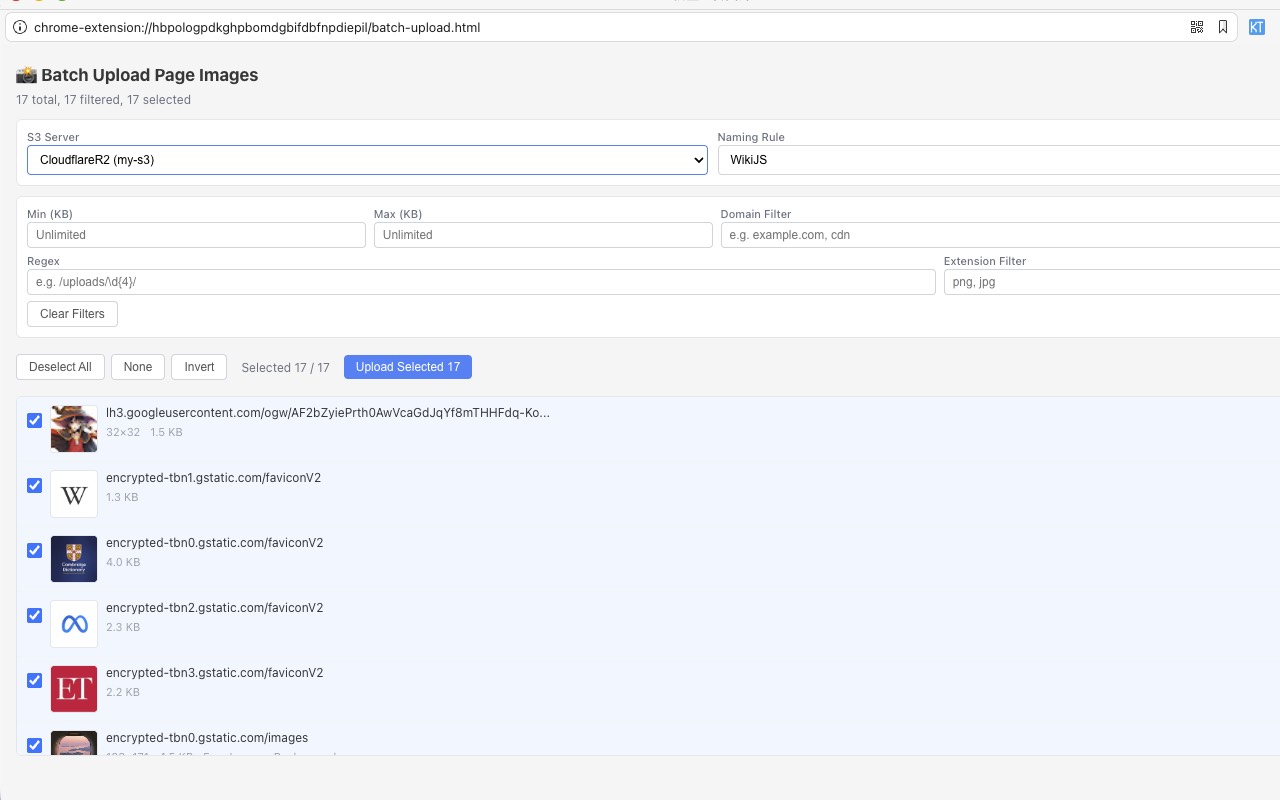
Smart Filtering & BatchCollect all page images in one click, filter by domain, size, regex, or extension, then upload in bulk
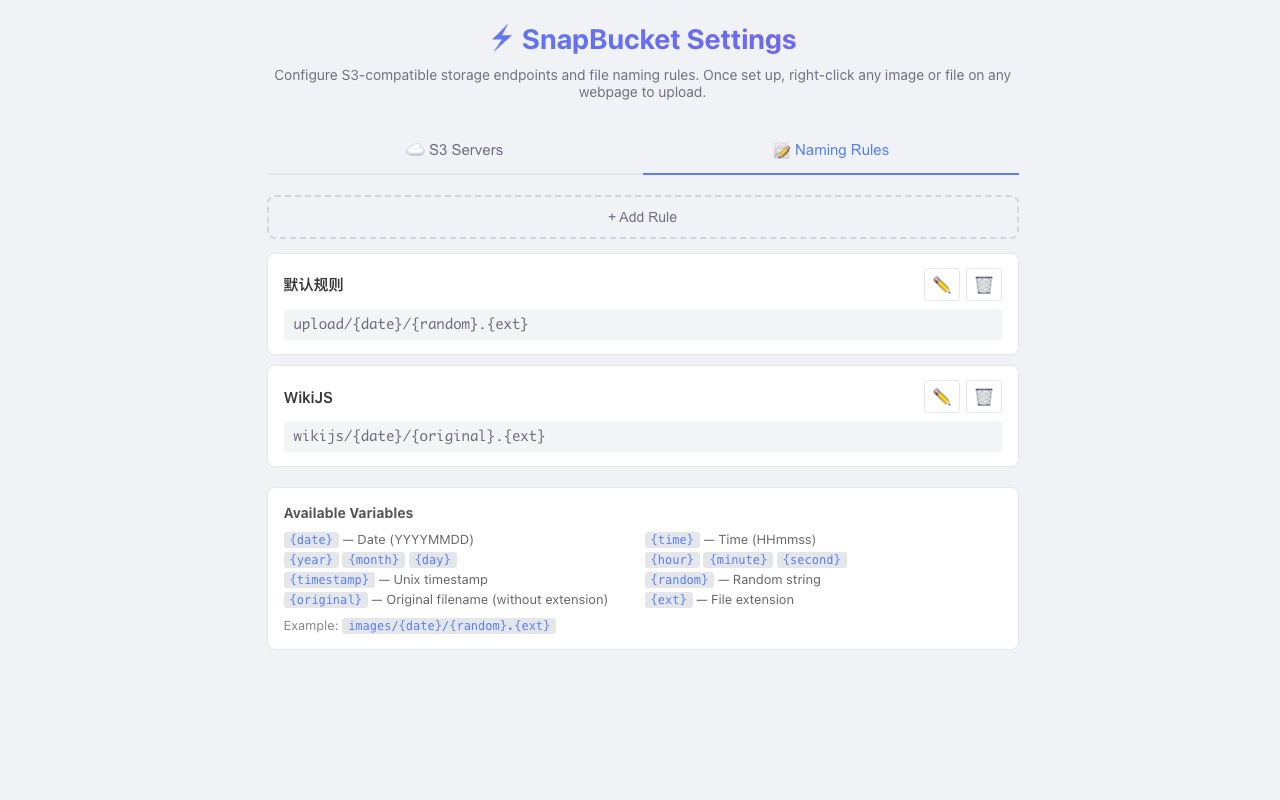
Flexible Naming RulesCustom file paths with {date} {time} {random} {original} placeholders — organize your way
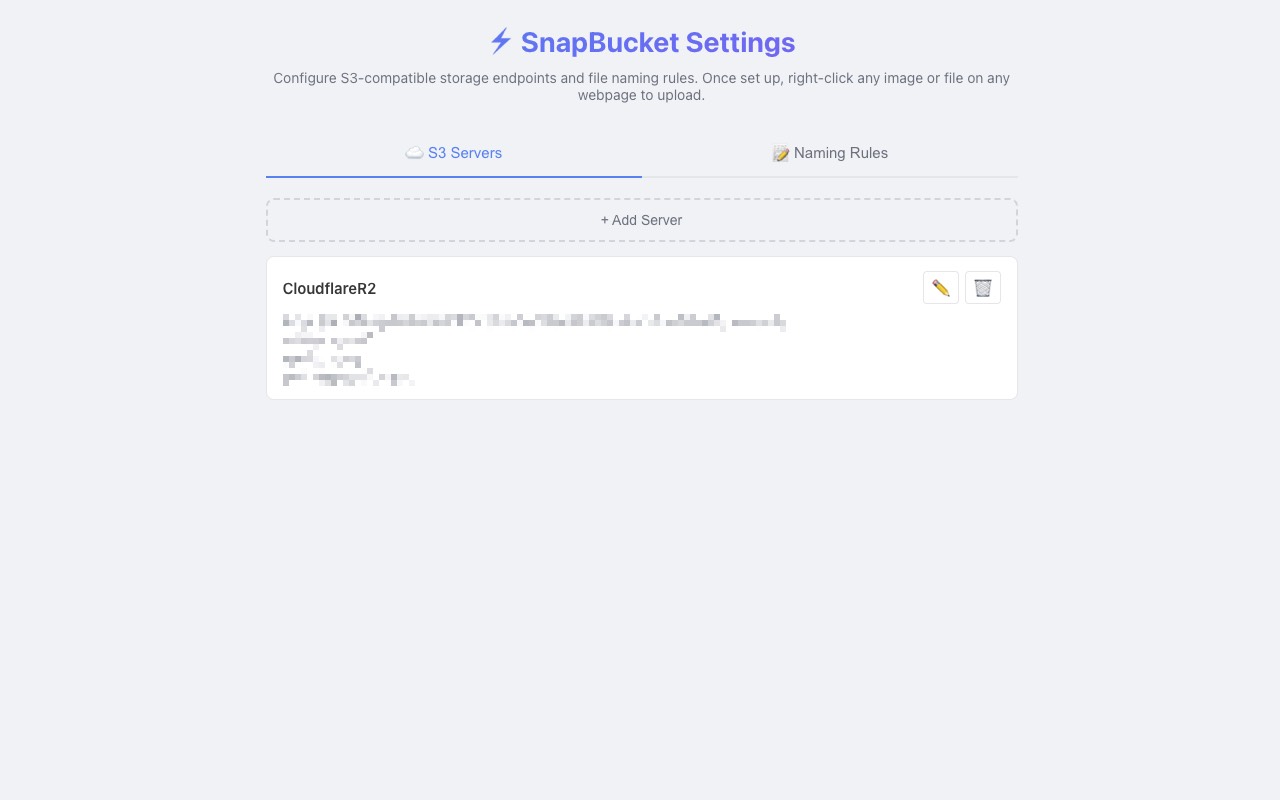
Multi-Endpoint ConfigConfigure multiple S3 servers (prod, staging, personal) and switch on the fly
What is SnapBucket?
SnapBucket is a Chrome extension that lets you upload images, videos, audio, or any file directly to S3-compatible object storage (AWS S3, Cloudflare R2, MinIO, Alibaba OSS, DigitalOcean Spaces, etc.) — without ever leaving your current page.
Why Install It?
If you frequently embed images in docs, issues, PRs, or blog posts, or need to quickly push files to object storage for sharing, SnapBucket saves you dozens of repetitive actions every single day.
The Old Way
The old way: Right-click → Save As → Open S3 Console → Find Bucket → Click Upload → Select File → Confirm → Copy Link → Paste. That's 8+ steps. Every. Single. Time.
SnapBucket
The SnapBucket way: Right-click → Upload → Copy Link. Three steps.
Key Features
Right-Click Upload
Right-click any image, video, audio, or file link → upload → get a shareable URL
Batch Grab
Collect all images from a page in one click, filter, and upload in bulk
Smart Filtering
Filter images by domain, file size, regex pattern, or file extension
Flexible Naming
Custom file paths with {date} {time} {random} {original} placeholders
Multi-Endpoint
Configure multiple S3 servers (prod/staging/personal) and switch on the fly
CDN Support
Use custom domains for preview URLs — paste and go
Bilingual UI
Auto-detects Chinese / English based on browser language
Privacy First
API keys stored locally in your browser. Zero telemetry. No third-party servers.
Use Cases
Developers
Quickly upload screenshots for GitHub Issues & PRs
Technical Writers
Push blog images straight to your CDN
DevOps Engineers
Dump logs and config files into object storage fast
Designers
Collect inspiration images and batch-archive to personal storage
Anyone who frequently uploads files to S3
No matter what you do, if you need to upload files to S3 quickly, SnapBucket helps.